
NotchLive
Live Captions at the Top of Your Mac
At a glance
- macOS
- Productivity
- Freemium
Screenshots
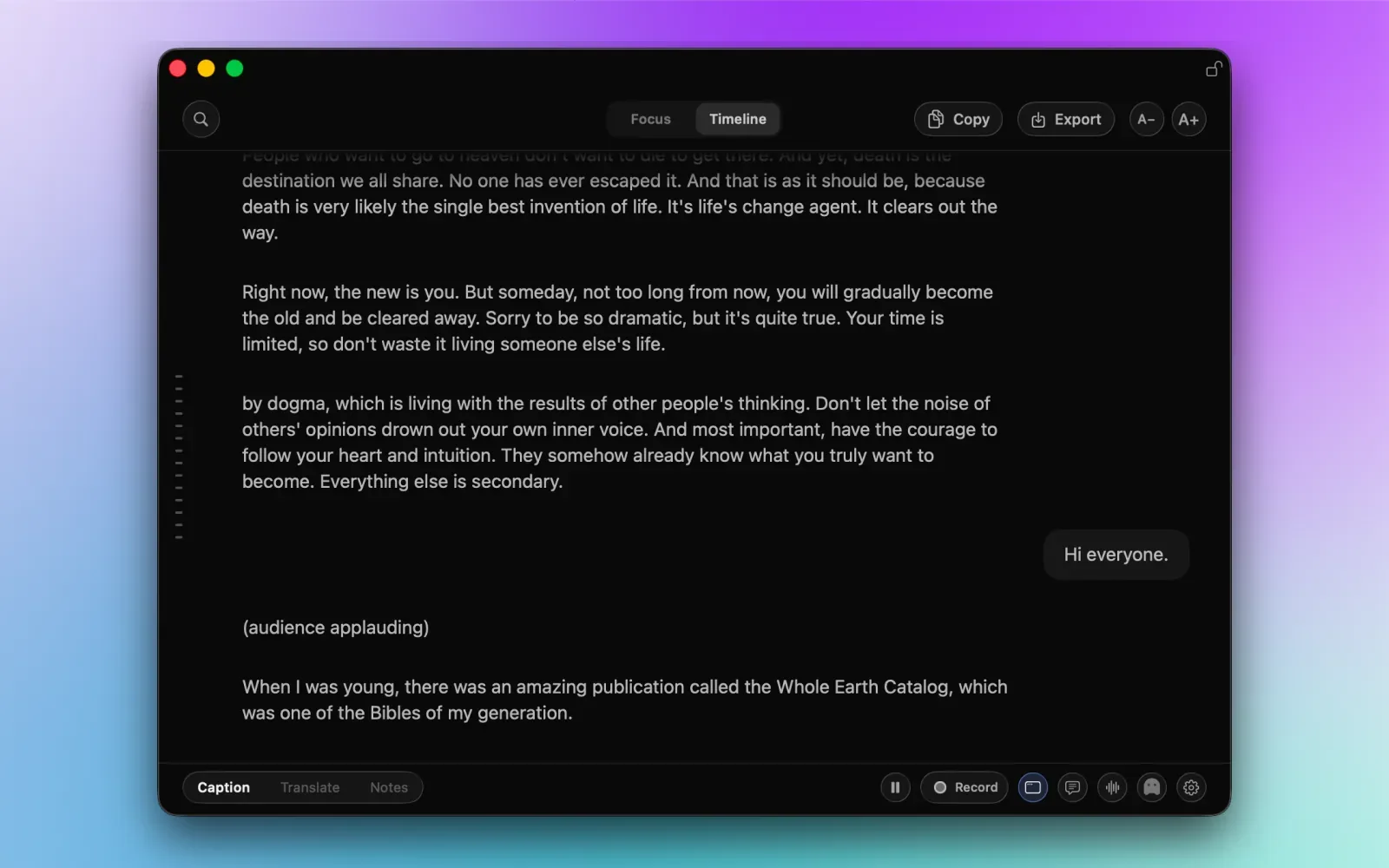
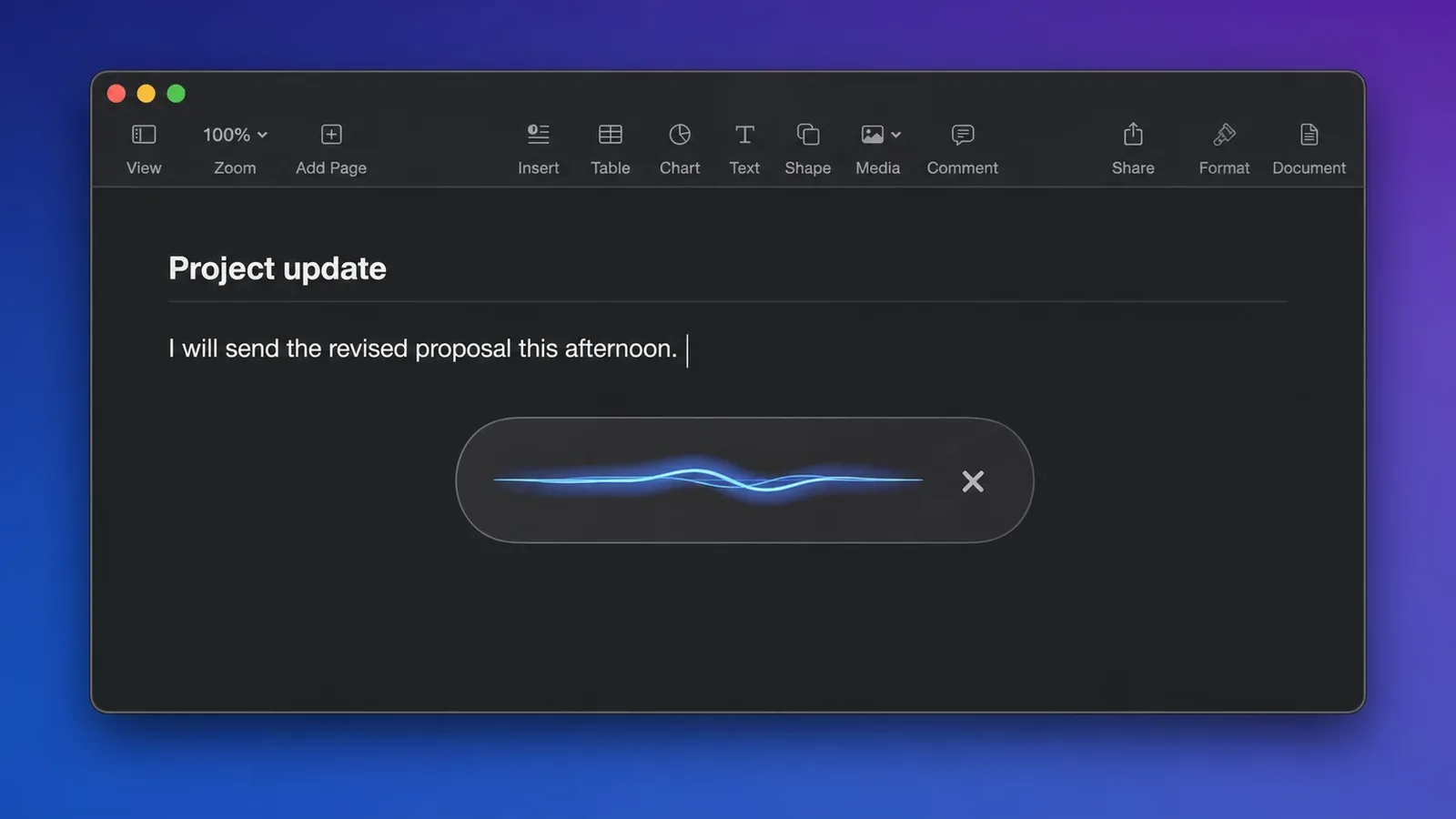
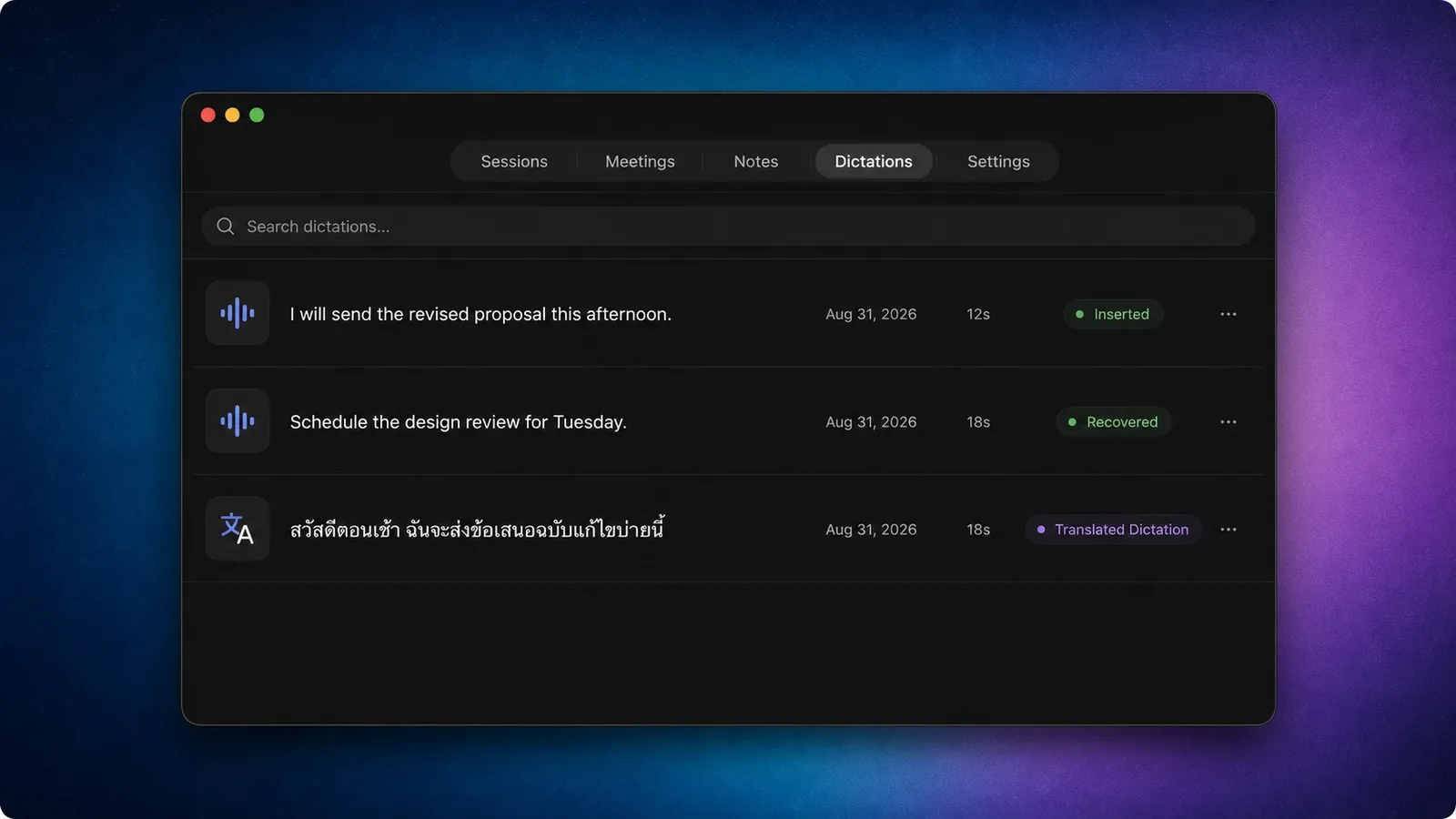
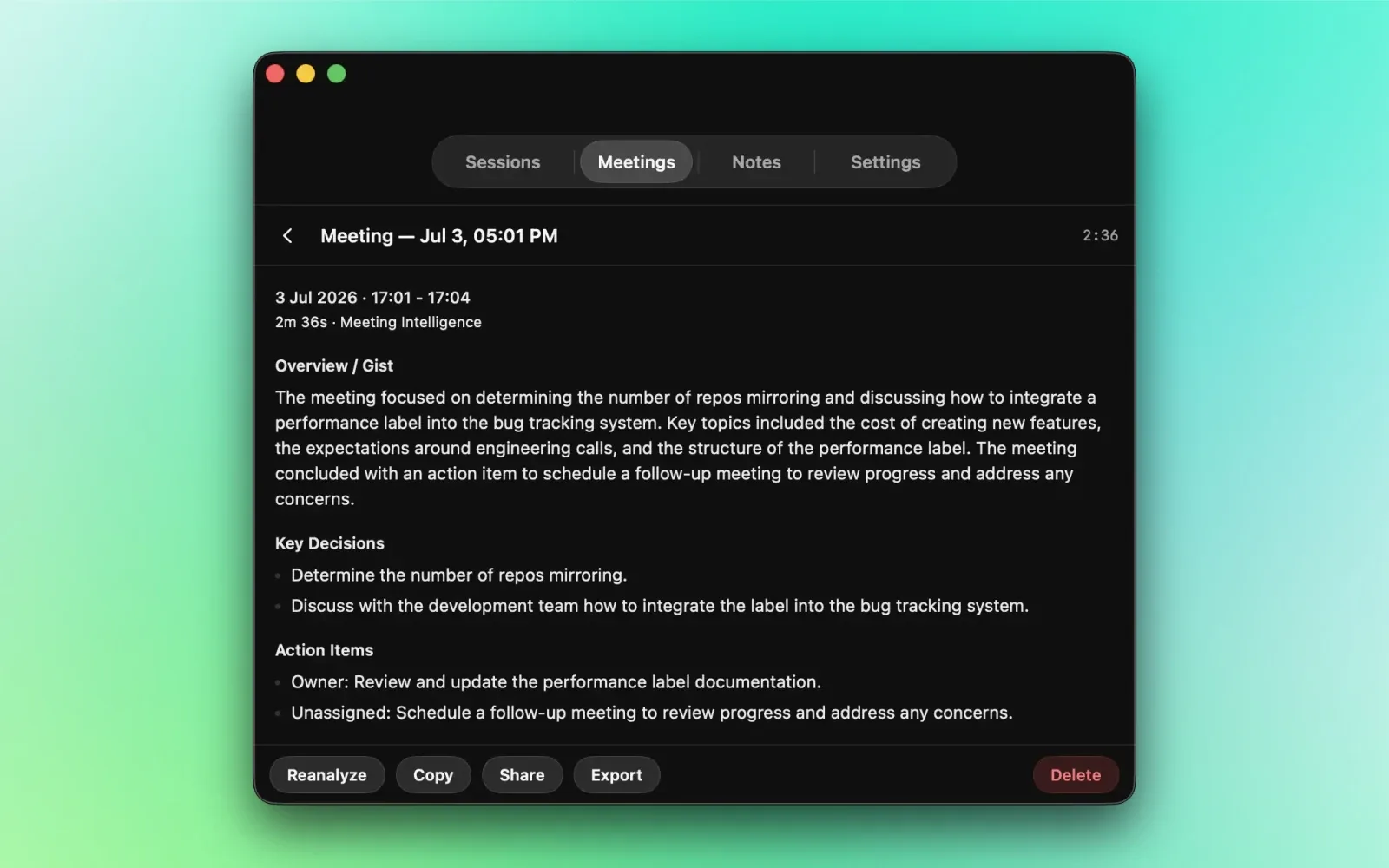
From the developer's own website.
About NotchLive
NotchLive keeps live captions at the top of your Mac while you work. It captures system audio or microphone speech from Zoom, Google Meet, Teams, videos, podcasts, and other apps, then transcribes it locally with Whisper and CoreML. Use the compact caption bar for the latest line, or open Live Timeline to scroll, search, copy, and export without stopping the live stream.
Turn speech from calls, videos and your microphone into on-screen text. Translate supported speech with Pro. Speech recognition runs on your Mac.
Features
- Live Captions at the Top: Captions sit near the notch or top center of the screen, so they stay readable while you keep working.
- System Audio or Microphone: Caption a Zoom, Meet, or Teams call, a video, a podcast, or anything else playing on your Mac, or your own mic.
- On-Device Transcription: Speech recognition runs locally with Whisper and CoreML rather than being sent to a cloud transcription service.
- Compact Caption Bar: A minimal bar shows just the latest line when you only need to follow along.
- Live Timeline: Scroll back, search, copy, and export the transcript without interrupting the live stream.
- Works on Any Mac: Designed for notched MacBooks, with a top-center caption bar on Macs without a notch.
- Free Captions: Core captioning is free, no subscription and no account needed to start.
- Pro Upgrade ($14.99 One-Time): Adds translation, recording, voice notes, exports, and private meeting summaries.
Why NotchLive?
Meeting captions usually live inside whichever app is hosting the call, if they exist at all, and they vanish the moment it ends. NotchLive puts captions in one consistent place at the top of the screen for any audio source, and keeps a transcript you can search and export.
-
Pick a Source
Choose system audio or your microphone, depending on whether you're listening or speaking.
-
Download a Model
Grab a Whisper model once so transcription can run entirely on your Mac.
-
Start Captioning
Follow the caption bar live, or open Live Timeline to scroll back and export.
Questions
What is NotchLive?
NotchLive shows live captions at the top of your Mac for whatever audio is playing, meetings, videos, podcasts, or for your own microphone.
Does my audio get uploaded?
No. Transcription runs on your Mac with Whisper and CoreML rather than through a cloud transcription service.
Which apps does it work with?
It captures system audio, so Zoom, Google Meet, Teams, video players, podcast apps, and anything else playing sound are all covered.
Do I need a MacBook with a notch?
No. The caption bar sits near the notch on Macs that have one, and top center on Macs that don't.
What's in Pro?
Translation, recording, voice notes, exports, and private meeting summaries. It's a $14.99 one-time upgrade, not a subscription.
What does the free version include?
Captioning itself is free, including the live caption bar and Live Timeline.
Views, day by day
Busiest day: Sat 21 Nov, 47 views.
Counted here, on this site: people who opened this page, and how many of them went on to the developer.
More productivity apps
-
 Tomette Tomette puts a focus timer in your Mac's menu bar, right beside the clock. When a focus ends, the break starts by itself and suggests something to do away from the screen. In the middle of something? +5m keeps you going and makes the next break longer to match. Pin the one task you're on, with up to five steps. Pay €7 once. No account, no tracking.
-
 paisty paisty is a menu-bar app for Apple Silicon Macs. Click the paisty mark in Mail, Gmail, Outlook, Slack, Messages, a form or a doc, and a draft lands in the box you were typing in. You edit and send; it never sends on its own. Bring your own AI (Claude, ChatGPT or a local model), and your key stays on your Mac.
-
 KeyAct Translator & Dictionary Copy a sentence and press Command-G to translate it from the Mac menu bar. Translation, synonyms and dictionary lookup are free. A one-time Full Access purchase adds verb conjugation, spell checking, voice notes and other tools. Requires macOS 15 or later.
-
 Exhibit Exhibit exports iMessage, SMS, WhatsApp, Signal, Telegram and more on your Mac into one PDF, with the exact date and time on every message, photos where they were sent, and read receipts. The menu bar icon lists your recent conversations, with search and one-click Create Exhibit. Need it for court? It adds Bates numbers, redaction and a SHA-256 verification page. Everything stays on your Mac: no account, nothing uploaded. $19.99 once, no subscription, 7-day refund. Requires macOS 14 or later.
-
 TOM Native macOS app that records meetings, voice notes, and screen feedback, transcribes them live, and makes them searchable. Recordings, transcripts, and AI all run on your Mac. Free and open source.
-
 VoiceInk The best open-source alternative to Superwhisper & Wispr Flow. Voice-to-text app for macOS with no subscription