

Mole
Mac Maintenance With a Menu Bar HUD
At a glance
- Utilities
- $19
- Two Macs
- VoiceOver-ready
Screenshots
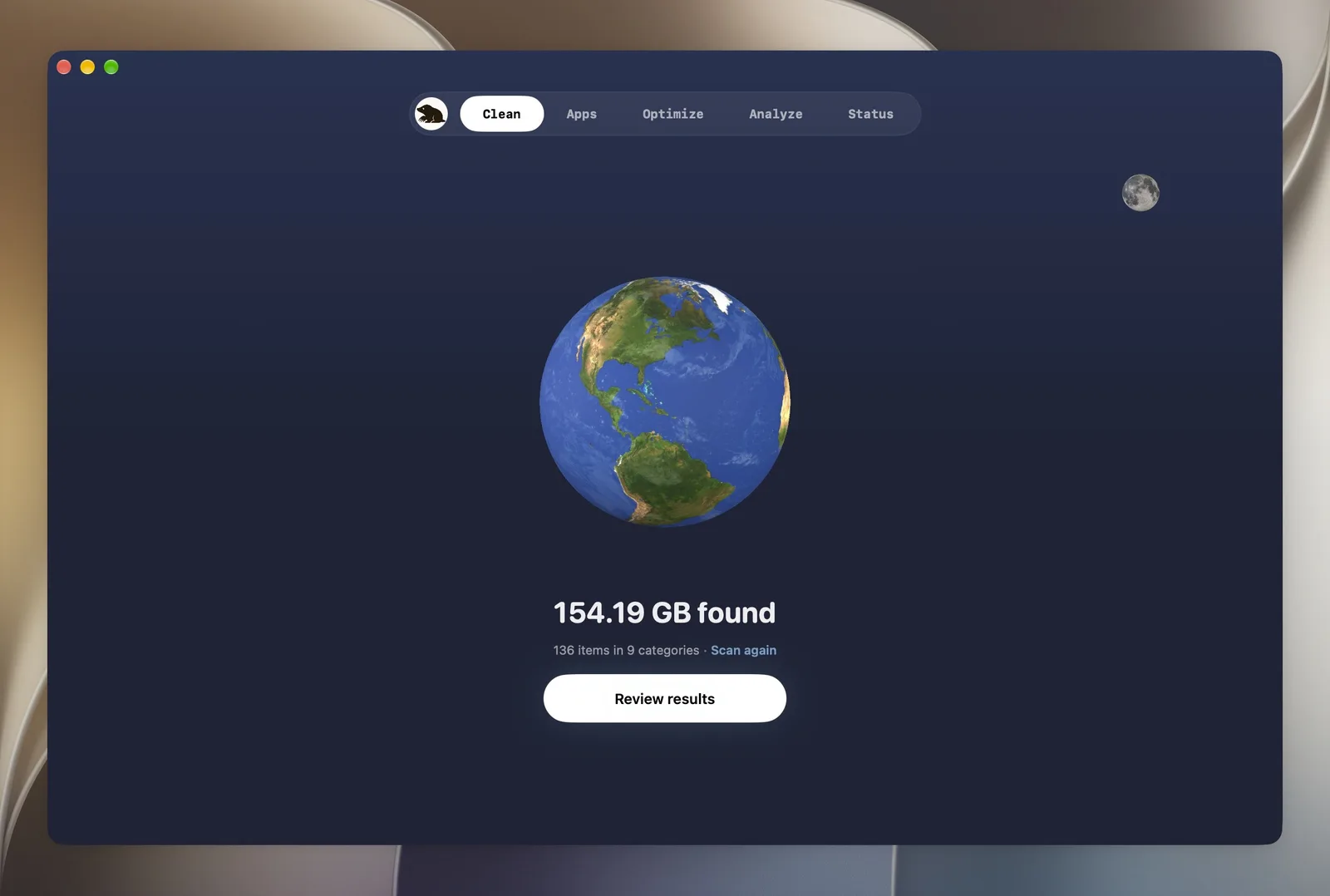
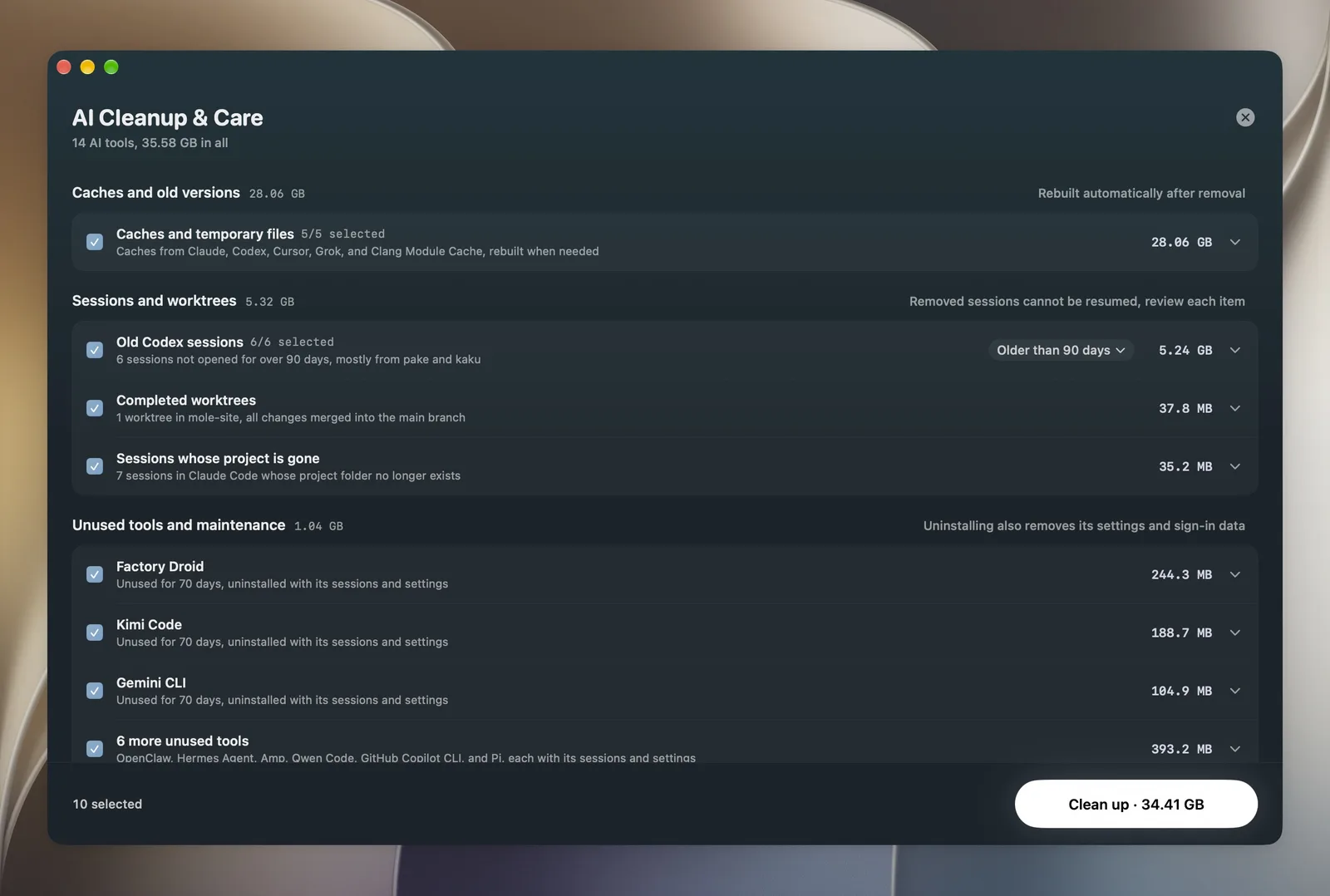
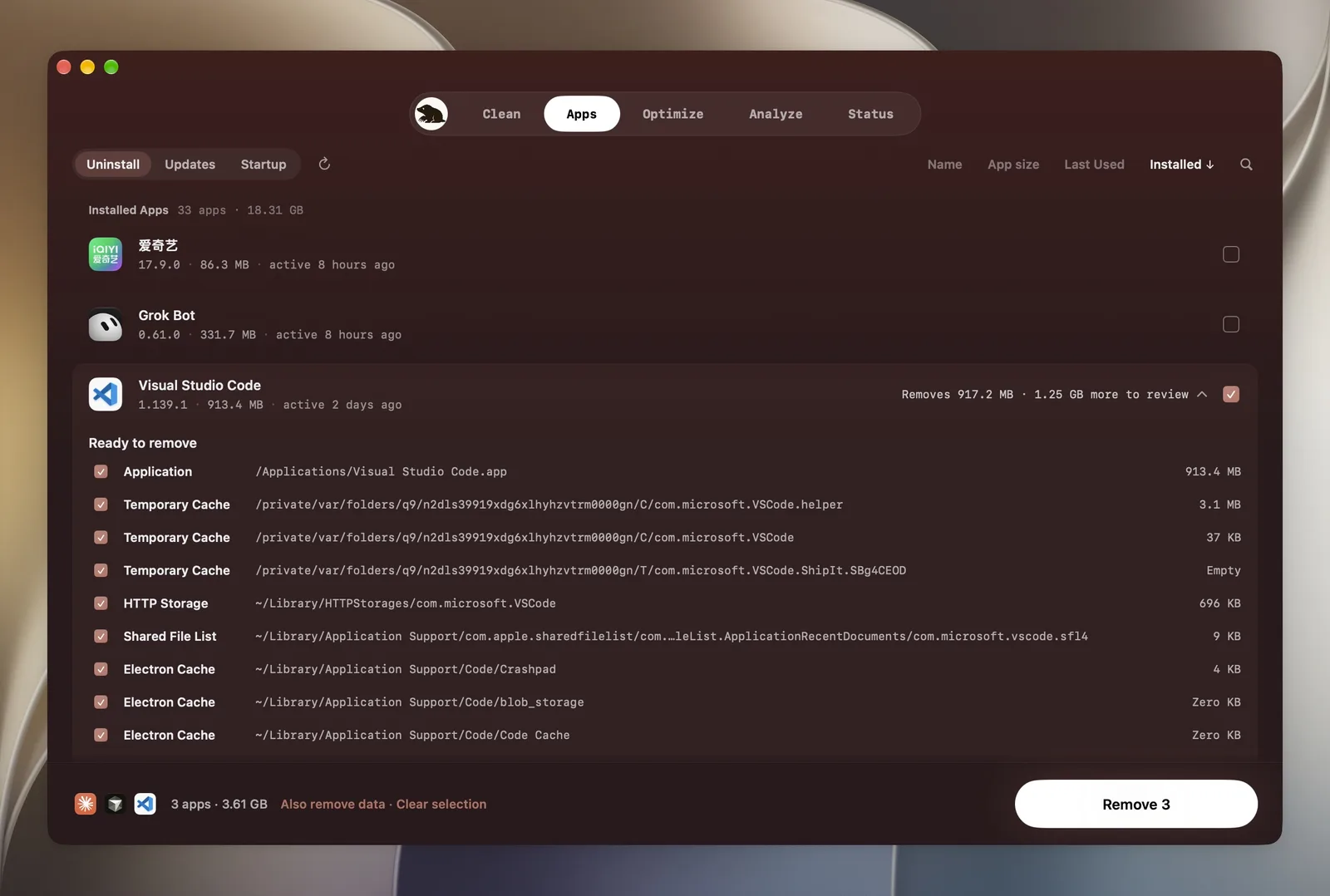
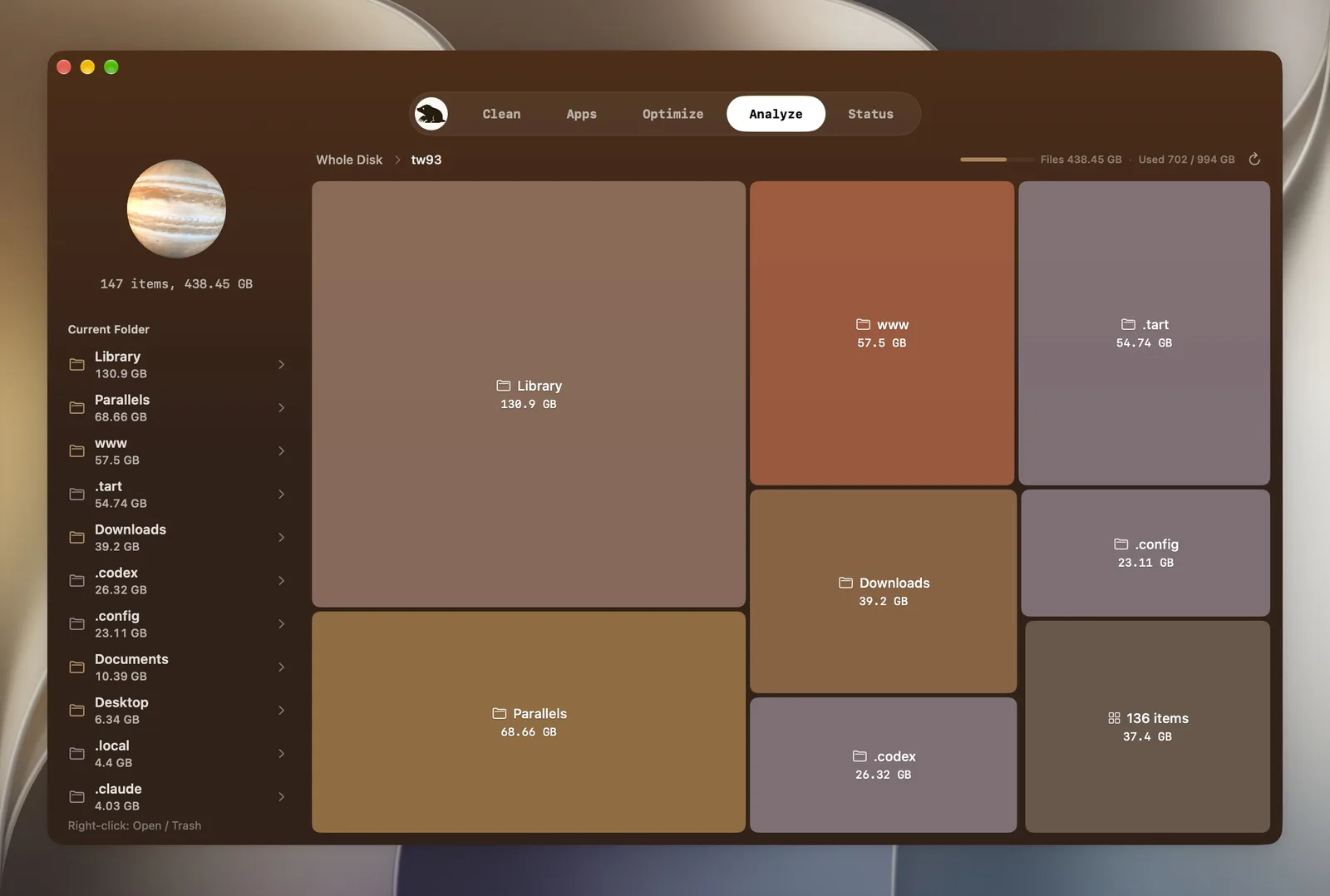
From the developer's own website.
About Mole
Mole is a native Mac maintenance app: cleanup, app management, disk maps and live status in one lightweight, VoiceOver-ready app. Its optional menu bar HUD keeps live system metrics, privacy activity and top processes at a glance, alongside Keep Screen On, Clean Screen and quick access to the cleanup tools.
Features
- Menu Bar HUD: An optional heads-up display for live system metrics, privacy activity and the processes currently working hardest.
- Cleanup and App Management: Reclaim space and remove apps properly, without hunting for the leftovers by hand.
- Disk Maps: See what is actually taking up the drive rather than guessing at it.
- Keep Screen On and Clean Screen: Two switches you reach for constantly, put where you can hit them without opening anything.
- Built for Accessibility: The developer ships it VoiceOver-ready rather than treating that as an afterthought.
- $19 Once, Two Macs: A single payment covering two Macs with lifetime updates, a 14-day refund, and a licence that moves with you when you replace a machine.
Why Mole?
Mac maintenance usually means a drawer full of single-purpose tools: one that finds big files, one that uninstalls properly, one that shows what the CPU is doing, one that stops the display sleeping. Mole is the argument that these belong together, with the parts you check constantly promoted to the menu bar and the rest a click away.
-
Watch From the Menu Bar
The HUD keeps system metrics, privacy activity and the busiest processes visible without a window open.
-
Clean When It Matters
Disk maps show where the space actually went, and app management removes what you uninstall along with its leftovers.
-
Reach the Switches
Keep Screen On and Clean Screen sit in the same menu, so the things you toggle daily are one click rather than a settings pane.
Questions
What is Mole?
A native Mac maintenance app covering cleanup, app management, disk maps and live status, with an optional menu bar HUD.
Is the menu bar part required?
No. The HUD is optional, the app works without it, and you can turn it on when you want metrics permanently in view.
How much does it cost?
$19 once. That covers two Macs, includes lifetime updates and a 14-day refund, and the licence moves with you when you replace a Mac.
Isn't Mole open source?
Mole's command-line tool is free and open source under GPL-3.0. Mole for Mac, the native app listed here, is the paid product built by the same developer.
Does it work with VoiceOver?
Yes, the developer describes the app as VoiceOver-ready.
Demo
Views, day by day
Busiest day: Sat 21 Nov, 42 views.
Counted here, on this site: people who opened this page, and how many of them went on to the developer.
More utilities apps
-
 Wavedance Wavedance is a menu-bar app that runs 20 generative live wallpapers on your Mac: the classic dot grid plus 19 pieces, from ordered dither to halftone and light. Behind your icons, click-through, on every Space. One-time purchase, no subscription.
-
 Tuck by Desktop Goods Hide menu bar icons behind one thin divider, so they stop disappearing behind the notch. Click to peek. No special permissions needed.
-
 Mouse Jiggler Keep your Mac awake while you read, watch a dashboard, or wait for a long task. Mouse Jiggler lives in the menu bar and offers automatic cursor movement, an idle delay, weekday schedules, and stop controls. Free to download, with optional PRO features.
-
 Disk Housekeeper Disk Housekeeper is a native macOS 26 disk cleaner: menu bar free space, Smart Clean for developer caches, Auto-Sort, Autopilot, and a preview before removal.
-
 Mac Window Manager for Tiling & Snapping Tangrid is a native Mac window manager with automatic tiling, snapping, window tabs, search and Dock previews. Try it free for 7 days on macOS 14 or later.
- Sentinely Sentinely warns you minutes before your Mac runs out of memory, frees what idle AI sessions and stuck editors hold in one click, and measures it.