

MacClean
Screenshots
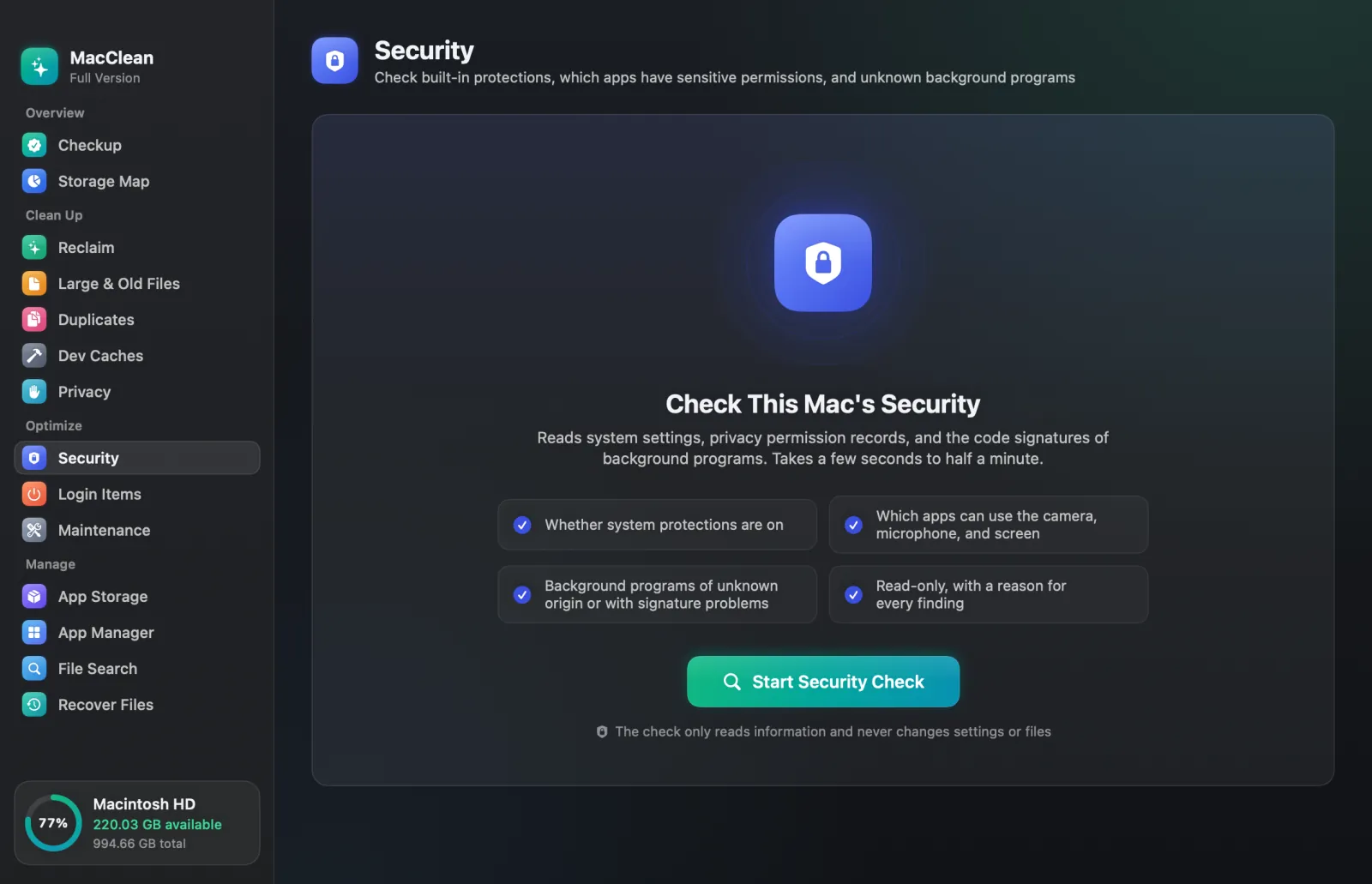
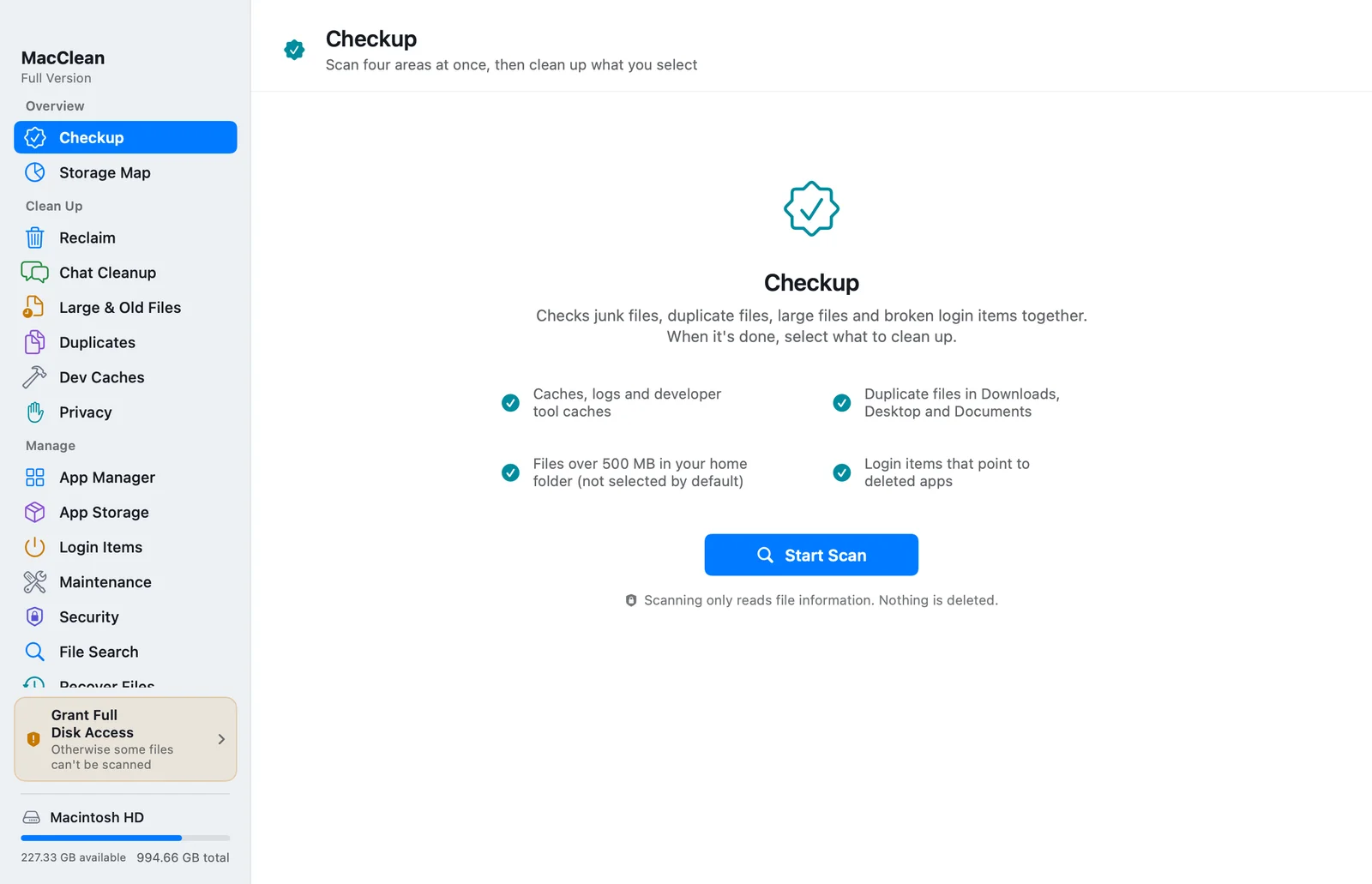
From the project's README on GitHub.
About MacClean
MacClean shows what is taking up disk space. Remove unwanted WeChat photos and videos, app caches and duplicate files to make room for your work and new downloads. Review each item before cleaning.
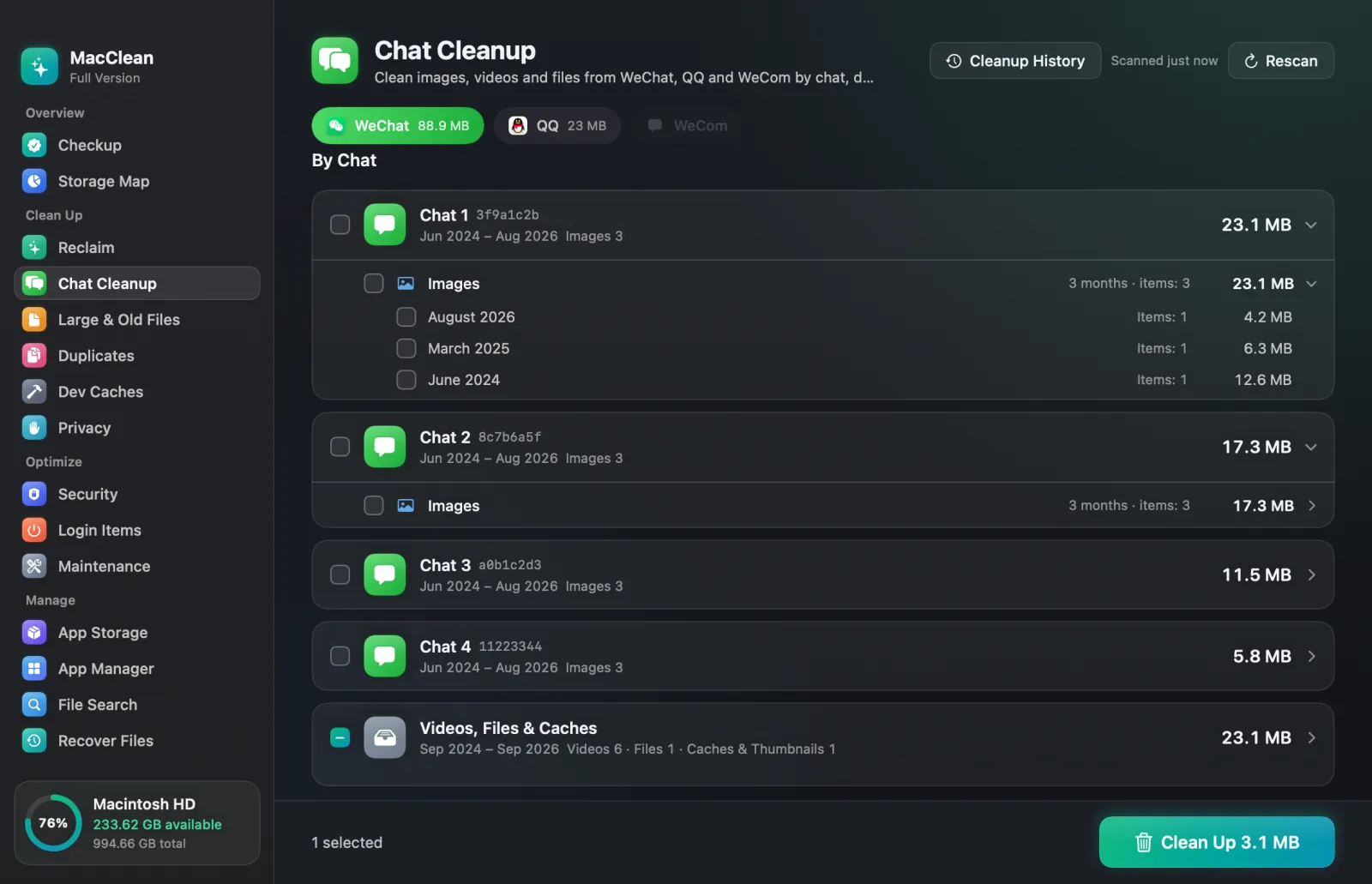
Review photos, videos, files and caches from WeChat, QQ and WeCom by type and month. Choose media you no longer need. Supported WeChat media can be grouped by conversation folder with your own labels; message databases are not read.
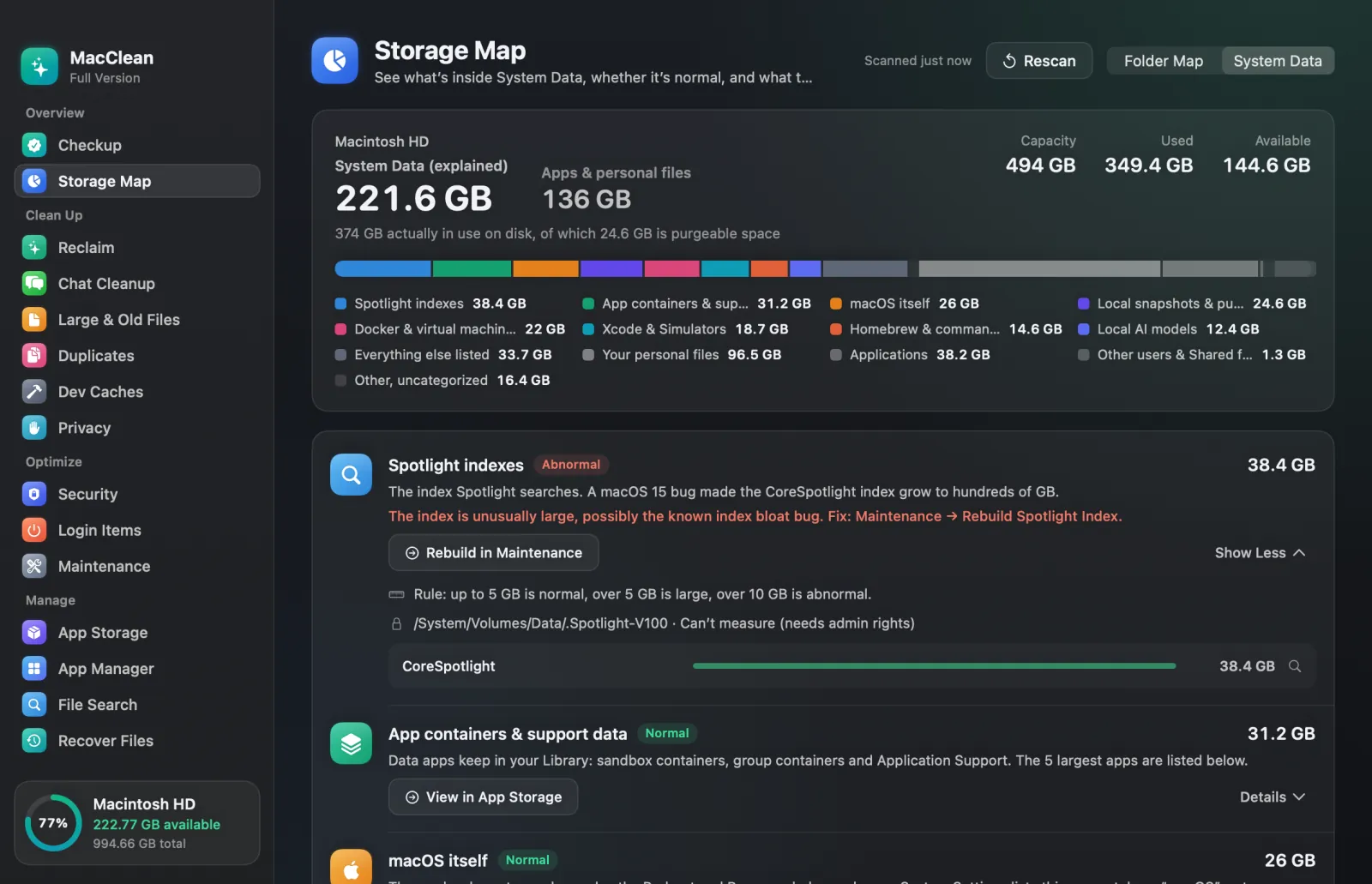
When your Mac is running low on storage, explore folder sizes in Storage Map to locate large files. The System Data view breaks down snapshots, backups and caches so you can decide what to inspect next.
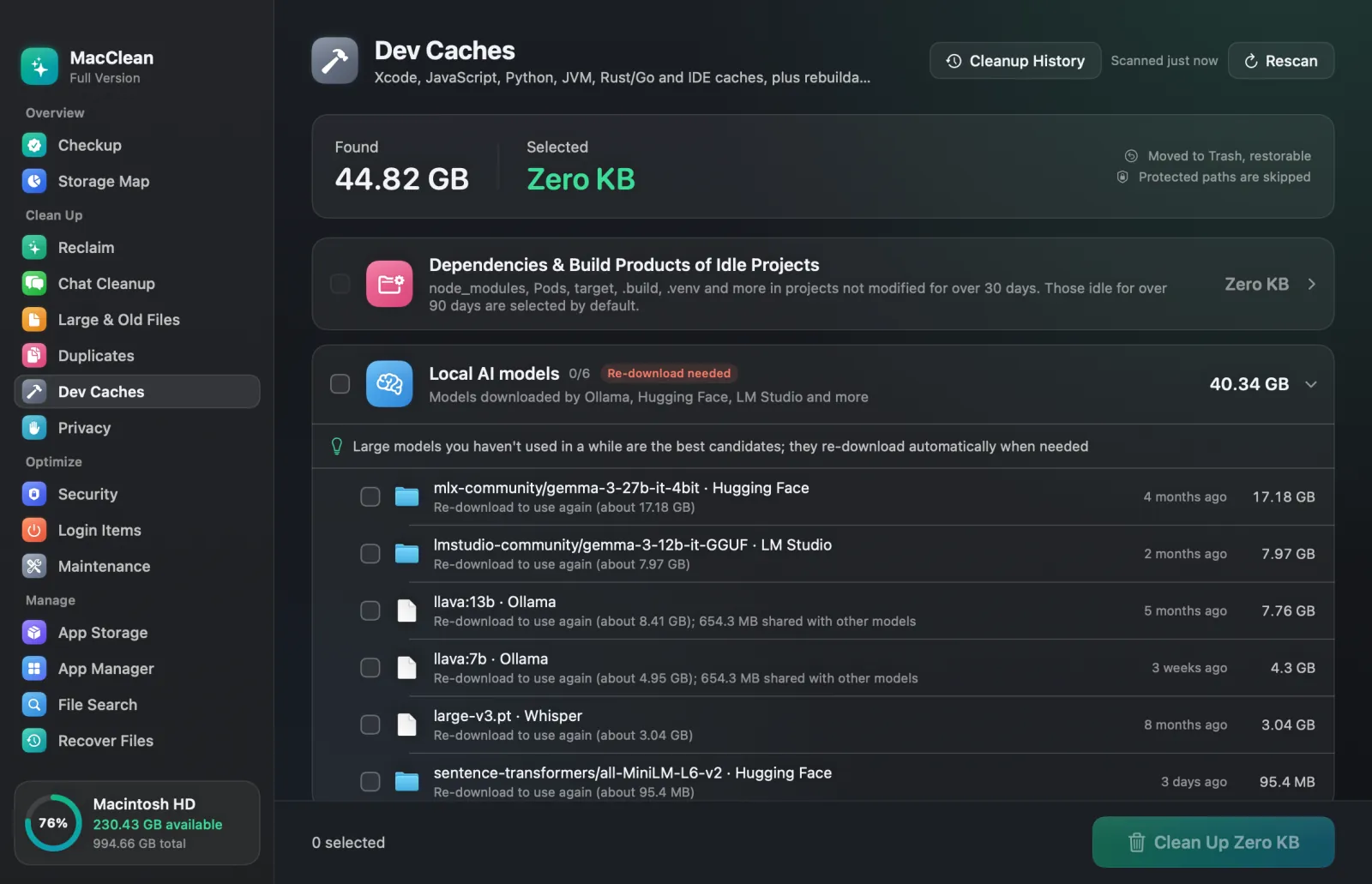
Review Xcode DerivedData, npm, pip and Gradle caches, plus local models from Ollama, Hugging Face and LM Studio. Choose what to remove by size and purpose instead of deleting all developer data.
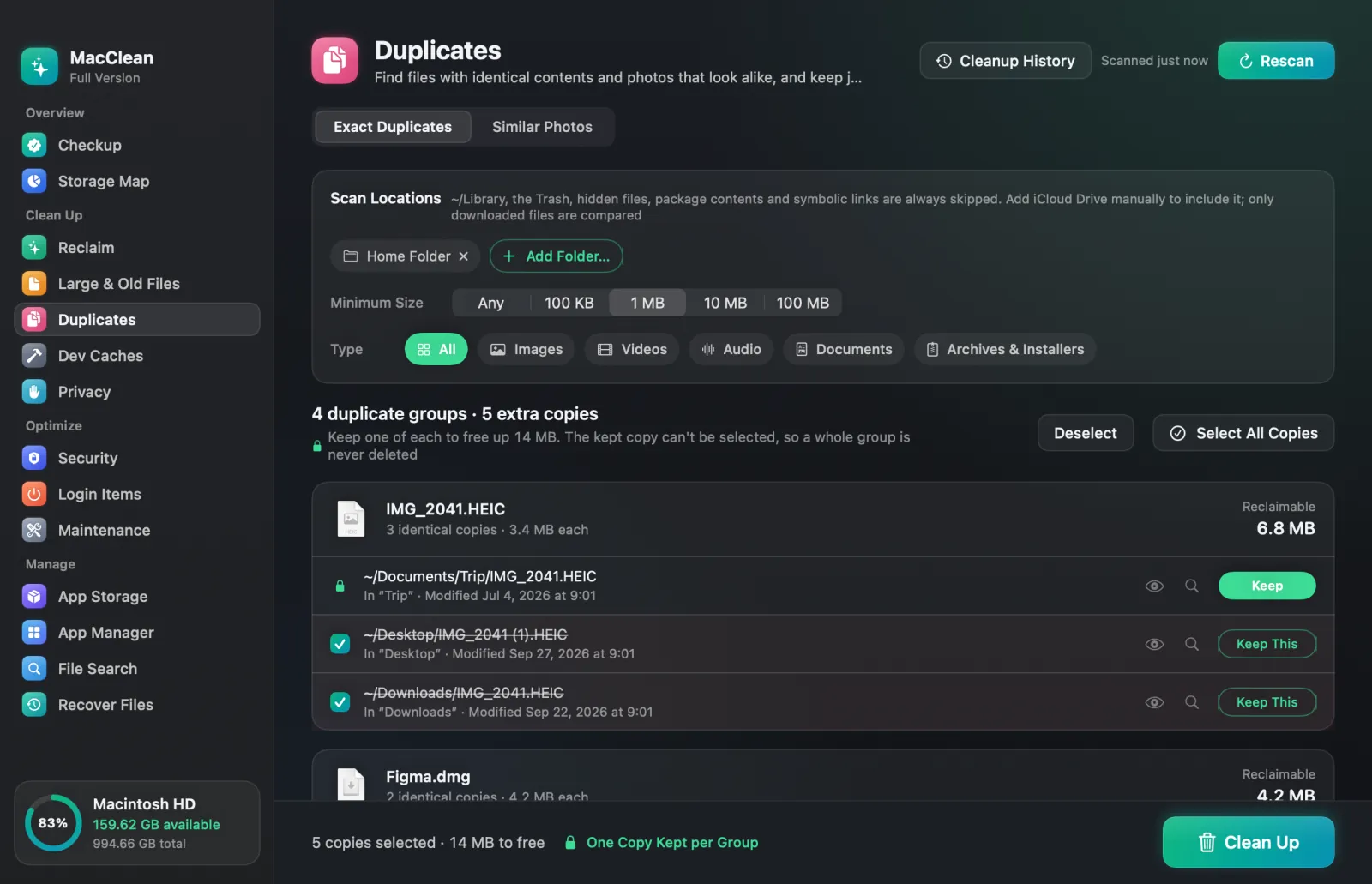
See the space used by an app and its related files. Uninstall unused apps and review leftovers from apps already removed. Review repeated downloads, duplicate documents and similar photos in groups.
Scanning only reads information. Files and scan results stay on your Mac. Ordinary file cleanup moves items to the Trash. Restore them from Cleanup History before emptying it.
Emptying the Trash, Docker cleanup and deleting local snapshots cannot be undone through Cleanup History; these actions have separate warnings. MacClean is not antivirus software and does not promise a faster computer.
Starting with 1.6, every feature is included. No trial period, device limits or activation. This release has not been notarized by Apple.
MacClean is independently developed and is not affiliated with iMobie or its MacClean product.
MacClean — macOS cleaner. Free for personal and internal business use. Commercial distribution requires separate licensing.
Features
- Clean up WeChat storage on your Mac.
- Analyze disk usage and understand System Data.
- Clean Xcode caches and review local AI models.
- Review Mac caches, logs and old installers.
- Uninstall Mac apps and review leftover files.
- Find duplicate files and organize similar photos.
- Browser privacy
- Menu bar
- File recovery
- Scan first
- You decide
- Room to undo
Questions
Is MacClean free?
Yes. MacClean is free to download and use.
Are there alternatives to MacClean?
Yes. This directory lists 66 other utilities apps for the Mac menu bar, and its alternatives page compares them with MacClean.
Views, day by day
Busiest day: Sat 21 Nov, 53 views.
Counted here, on this site: people who opened this page, and how many of them went on to the developer.
More utilities apps
-
 Tuck by Desktop Goods Hide menu bar icons behind one thin divider, so they stop disappearing behind the notch. Click to peek. No special permissions needed.
-
 Mouse Jiggler Keep your Mac awake while you read, watch a dashboard, or wait for a long task. Mouse Jiggler lives in the menu bar and offers automatic cursor movement, an idle delay, weekday schedules, and stop controls. Free to download, with optional PRO features.
-
 Disk Housekeeper Disk Housekeeper is a native macOS 26 disk cleaner: menu bar free space, Smart Clean for developer caches, Auto-Sort, Autopilot, and a preview before removal.
-
 Mac Window Manager for Tiling & Snapping Tangrid is a native Mac window manager with automatic tiling, snapping, window tabs, search and Dock previews. Try it free for 7 days on macOS 14 or later.
- Sentinely Sentinely warns you minutes before your Mac runs out of memory, frees what idle AI sessions and stuck editors hold in one click, and measures it.
-
 SmoothWheel SmoothWheel is a free, MIT-licensed macOS menu-bar utility that smooths standard mouse-wheel scrolling. Tune speed and smoothing, choose three presets, and exclude individual apps. Continuous trackpad input passes through unchanged. Apple Silicon; requires Accessibility permission.