
Sidebar Calendar , also on the App Store
Always-Visible Calendar for macOS Menu Bar
At a glance
- macOS
- Calendar
- One-Time Purchase
About Sidebar Calendar
View your calendar from the menu bar. Sidebar Calendar brings your schedule to your screen's edge and menu bar, always visible, fully customizable, with productivity tracking and smart event suggestions.
Screenshots

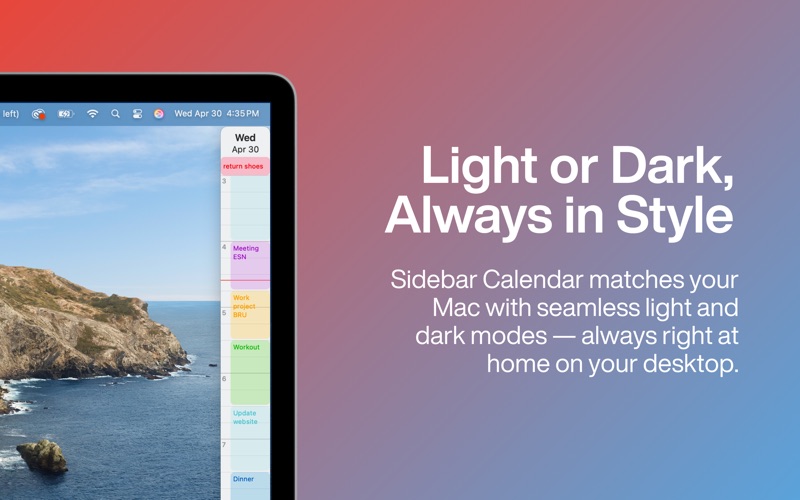


From the developer's own App Store listing.
Features
- Keep your schedule in view at all times with a clean sidebar or menu bar interface.
- Show event titles, durations, all-day events and choose which calendars to display.
- Choose which side of your screen the calendar appears on for optimal workflow.
- Track and copy your productive hours with a simple tap on the date.
- Keep your calendar visible even when working in full-screen applications.
- Get relevant past events suggested as you type to save time.